How to make a portfolio website
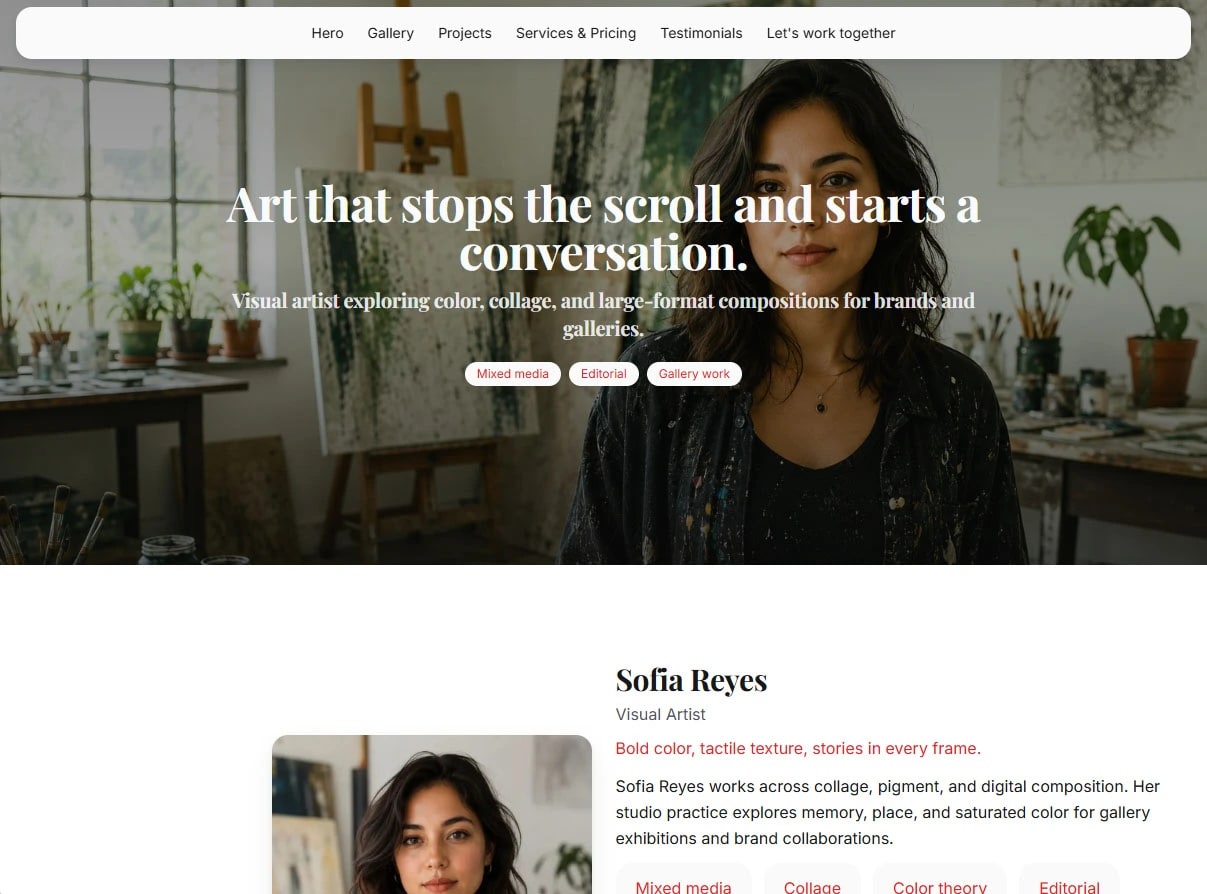
A portfolio website is a public page that shows the work and tells someone how to reach you. Recruiters, clients, and buyers should be able to see projects, services, and contact without opening a PDF and a separate link tree.
You can build that page in about an hour if the sections are already decided. Work, About, Services, and Contact are enough for a first version. Extra pages come later.
Start from proof you already have
Import a resume, or add projects by hand. The point of the first pass is structure: a short about, the projects that prove the claim, and a contact path. Polish the sentences after the page exists.
If you are applying to jobs, keep the resume and the site in the same workspace so dates and project names do not drift. Cover letters and job-match scoring are optional, and on Portura they are a Pro feature.
Pick a theme that matches the work
A developer site and a photography site should not start from the same blank canvas. Start from a theme built for your field (Tech, Studio, Lens, Estate, Garage, and the rest) or run Theme Designer for colors, type, and a few layout choices. The catalog is at Themes.
Keep the layout honest. Three strong projects read better than a twelve-card grid with nine empty spots.
Publish one page, then add pages if you need them
Every plan can publish a Home page. Plus adds extra pages (up to eight, including Home) when Work, About, and booking should be their own URLs. There is no cart and no checkout. Pricing cards, when you use them, are display only.
Share the portura.ai address as soon as the first version is honest. Connect a domain you own on Pro or Plus when the link needs to be your name. That setup is Host your portfolio on your domain.
What to skip on the first day
Do not open a general website builder and design a store if all you need is proof of work. Do not write a second site for a second gallery until the first page is live. Do not wait for a perfect case study. Publish the projects you can explain, then run a Mira review pass and, on Pro, check analytics to see what people actually read.
Start free with the signup token bonus. No card is required to publish the first portfolio website.